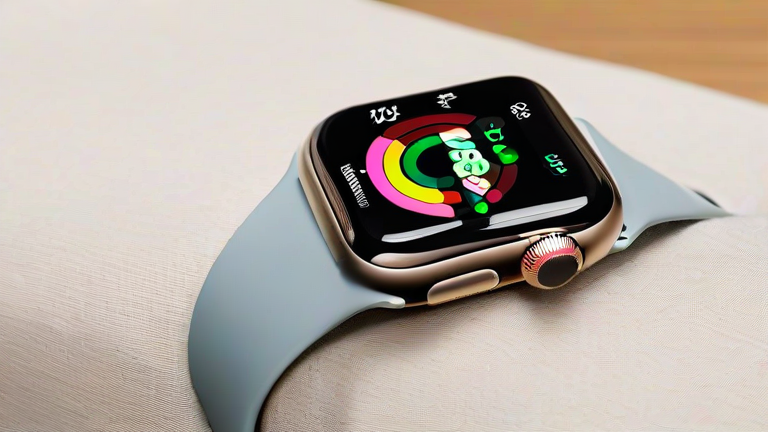
TL;DR: The Apple Watch Series 9 hides powerful capabilities beyond its headline Double Tap gesture, including on-device Siri processing, precision Finding for iPhone, and NameDrop contact sharing. These underused features can transform your watch from a notification screen into a genuinely indispensable daily tool.
Apple’s Series 9 arrived with the S9 SiP, a 200-nit brighter display at 2,000 nits, and the fanfare-worthy Double Tap gesture. But beneath the marketing highlights sits a dense feature set most owners never fully explore. Here are seven hidden capabilities worth enabling today.
If you want to dig deeper, check out our guide on Solid-State Batteries Finally Arrive in Mass-Market EVs.
1. On-Device Siri for Health Queries
The S9 chip processes Siri requests locally, which means you can ask about your health data without a network round-trip. Say “How many steps did I take yesterday?” or “What’s my sleep score?” and get an instant answer—faster and more private than previous generations. Apple confirmed this on-device processing extends to dictation as well.
2. Precision Finding for iPhone 15
Thanks to the second-generation Ultra Wideband chip, Series 9 can guide you to a misplaced iPhone 15 with distance and direction arrows, much like an AirTag. It works within roughly 30 feet and displays proximity feedback on the watch face itself.
3. NameDrop via Watch Face Bump
Bring your Series 9 near someone’s iPhone or Apple Watch and tap Share Contact. NameDrop transfers contact details instantly—no typing, no QR codes. It’s buried in the Contacts app and rarely mentioned in tutorials.
4. Offline Maps and Turn-by-Turn Without a Phone
watchOS 10 lets you download maps to the watch for offline navigation. Hikers and runners can leave the iPhone behind and still receive turn alerts, a quiet upgrade with real safety implications.
5. Smart Stack Widget Pinning
The Smart Stack rotates widgets contextually, but you can pin favorites—like a transit app or hydration tracker—so they surface first. Turn the Digital Crown from the watch face to access it.
6. Double Tap Beyond Calls
Most users know Double Tap answers calls. Fewer know it scrolls through Smart Stack widgets, pauses timers, and dismisses notifications—hands-free control while carrying groceries or holding a leash.
7. Cycle Tracking Retrospective Ovulation Estimates
Series 9’s temperature sensing enables retrospective ovulation estimates, a feature with meaningful health-tracking value that Apple has expanded through watchOS updates. It’s tucked inside the Cycle Tracking app and requires a few cycles of data.
Together, these features reflect Apple’s broader strategy: differentiating through silicon and sensors rather than radical redesigns. The S9 SiP’s neural engine and UWB improvements signal where wearables are heading—on-device intelligence and precise spatial awareness. For the industry, Series 9 raises the bar for privacy-first processing and ambient computing, pressuring rivals to match local AI performance rather than cloud dependence.
FAQ
Q: Does Double Tap work on older Apple Watch models?
A: No. Double Tap requires the S9 SiP in Series 9 and Ultra 2, so older models cannot run the gesture even after updating to watchOS 10.
Q: Is Precision Finding limited to the iPhone 15?
A: Yes. It relies on the second-generation Ultra Wideband chip introduced in iPhone 15 models, so older iPhones won’t support directional Finding from the watch.
Q: Can Series 9 really work without an iPhone nearby?
A: Partially. With a cellular model or downloaded offline maps, you can navigate, stream music, and make calls, but setup and some synced data still require pairing with an iPhone.
Leave a Reply