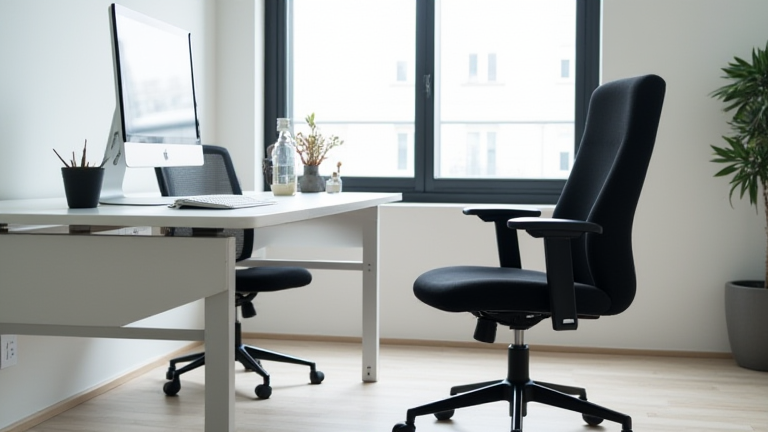
Top 10 Ergonomic Office Chairs for Back Pain Relief
TL;DR: The Aeron and Steelcase Leap 2 are the top choices for severe back pain due to their superior lumbar support and adaptive tension. Always prioritize adjustable lumbar support and breathable mesh over aesthetic features to ensure long-term spinal health and comfort.
Sitting for eight hours a day can wreak havoc on your spine, leading to chronic stiffness and debilitating pain. Finding the right chair is not just a luxury; it is a medical necessity. This guide highlights the best ergonomic chairs designed specifically to alleviate pressure on your lower back and promote proper posture throughout the workday.
If you want to dig deeper, check out our guide on Quantum Computing Hits Commercial Milestone: What It Means.
Key Features to Prioritize
When selecting a chair for back pain relief, specific mechanical features matter more than brand recognition. First, look for adjustable lumbar support that can be modified in height and depth. Static lumbar support often fails to accommodate individual spinal curves, whereas dynamic support adapts to your movements. Second, prioritize breathable mesh materials. Leather and vinyl traps heat, leading to discomfort and poor posture as you shift to stay cool. Mesh allows for airflow and provides a consistent seat depth, preventing the “waterfall” effect at the back of the knees.
Top Contenders Compared
The Herman Miller Aeron remains the gold standard, offering a unique Pellicle suspension that evenly distributes weight and reduces pressure points. Its PostureFit SL lumbar support is industry-leading. However, its rigid frame may not suit everyone’s body type. In contrast, the Steelcase Leap 2 offers a more forgiving, adaptive fit with a LiveBack system that moves with your spine. It is slightly more affordable and often better suited for users who prefer a softer seating experience. For budget-conscious buyers, the IKEA Markus provides surprising value, featuring a mesh back and basic lumbar adjustment, though it lacks the fine-tuning controls of premium models. The Secretlab Titan Evo is a strong contender for gamers who need office-grade ergonomics with customizable magnetic cushions.
Why Adjustment Matters
A chair is only as good as its adjustability. Ensure the chair allows you to set the seat height so your feet are flat on the floor. Armrests should support your elbows without pushing your shoulders up. The backrest should align with your natural lumbar curve, not force you into an unnatural position. Test-drive chairs if possible, or buy from retailers with generous return policies.
Make the Switch Today
Investing in your posture is investing in your future productivity and health. Do not let back pain dictate your workday. Choose a chair that supports your unique anatomy and take the first step toward pain-free productivity. Your spine will thank you. Click now to explore our detailed comparisons and find your perfect match.
FAQ
Q: Do I need a lumbar pillow if my chair has built-in support?
A: Usually, no. If the chair’s built-in lumbar support is adjustable and fits your spine curve well, an extra pillow is unnecessary and may even disrupt your posture.
Q: Is a harder or softer seat better for back pain?
A: A medium-firm seat is generally best. It provides enough support to maintain posture without being so hard that it creates pressure points or cuts off circulation.
Q: How long does it take to get used to a new ergonomic chair?
A: Most people need one to two weeks to adjust. During this period, it is normal to feel different sensations as your body adapts to the new support structure.
Leave a Reply