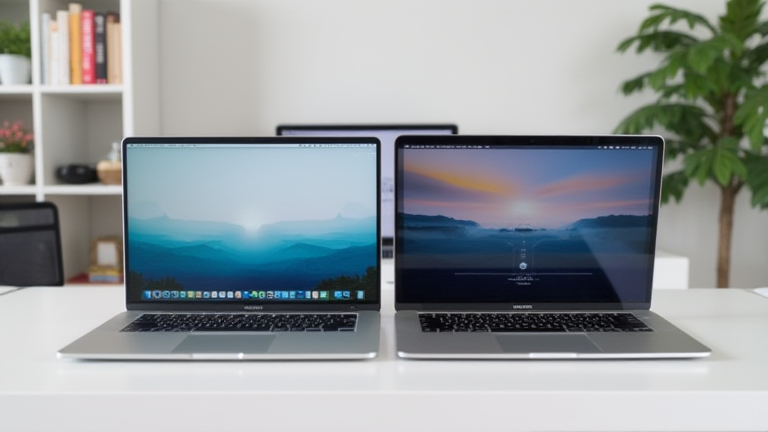
TL;DR: The M3 chip is the superior choice for new buyers due to its advanced ray tracing and media engine capabilities, despite the higher upfront cost. However, the M2 remains the best budget option for users prioritizing raw value, as it offers 90% of the M3’s performance at a significantly lower price point.
The Performance Leap
Apple’s transition from the M2 to the M3 architecture marks a subtle but significant shift in the MacBook Air landscape. While both chips utilize a 5-nanometer process, the M3 introduces a new CPU design that offers better energy efficiency and a GPU with dedicated hardware-accelerated ray tracing. This development is crucial for creative professionals who rely on 3D rendering and video editing. The industry impact is profound, as it forces competitors to accelerate their own chip innovations to stay competitive in the ultra-portable segment.
If you want to dig deeper, check out our guide on Poor Adoption at Different Scales: Why Scale Matters.
Specs and Real-World Impact
On paper, the M3 features a faster GPU and a more efficient neural engine. In real-world scenarios, this translates to smoother performance in graphically intensive tasks. For general users, however, the difference is often imperceptible. Both chips handle multitasking, web browsing, and office suites with ease. The M3’s advantage becomes apparent when handling large 4K video projects or complex spreadsheets, where the additional GPU cores provide a tangible speed boost. Furthermore, the M3 supports more external displays, a feature that has become increasingly important for hybrid work environments.
Budget Considerations
The primary differentiator remains price. The M2 MacBook Air is typically available at a lower base price, making it an attractive entry point for students and casual users. The M3 model commands a premium, reflecting its newer technology and enhanced capabilities. For budget-conscious consumers, the M2 offers exceptional value. It provides a seamless macOS experience and long battery life, which are the core selling points of the Air line. The M3 is best suited for those who need future-proofing and specific professional features that the M2 lacks.
Industry Developments
Recent developments in the tech industry highlight a trend toward AI integration. Both chips support Apple Intelligence features, but the M3’s more powerful neural engine allows for faster on-device processing of AI tasks. This has a ripple effect on the industry, pushing other manufacturers to prioritize NPU performance in their laptops. The choice between M2 and M3 is no longer just about speed; it is about which platform better supports the emerging ecosystem of AI-driven productivity tools. As these tools become more prevalent, the M3’s superior NPU performance may become a deciding factor for many users.
FAQ
Q: Is the M3 worth the extra cost over M2?
A: Yes, if you require advanced video editing, 3D rendering, or plan to keep the laptop for over five years, the M3’s efficiency and future-proofing make it worth the investment.
Q: Can the M2 handle modern AI applications?
A: Yes, the M2 is capable of running Apple’s on-device AI models, though it may be slightly slower than the M3 for the most complex tasks.
Q: Which chip has better battery life?
A: Both chips offer excellent battery life, but the M3 is more energy-efficient, potentially providing slightly longer usage times under heavy workloads.
Leave a Reply