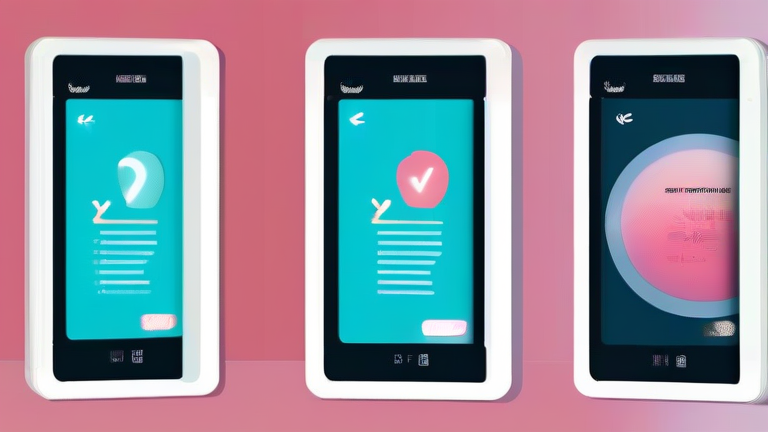
Digital Wellness Apps to Combat Screen Fatigue
In an era defined by constant connectivity, digital burnout has become a pervasive issue. Many of us find ourselves staring at glowing rectangles long after the workday ends, experiencing eye strain, mental exhaustion, and disrupted sleep cycles. The solution does not necessarily involve throwing your smartphone in the ocean, but rather using technology to regulate its use. Digital wellness apps serve as gentle guardians, helping you reclaim your attention span and restore balance to your daily routine. Here is a step-by-step guide to selecting and utilizing these tools effectively.

Step 1: Audit Your Current Habits
Before installing new software, you must understand your baseline. Open your device’s native “Digital Wellbeing” or “Screen Time” settings. Review the daily reports to identify which apps consume the most time. Are you scrolling through social media late at night? Do you check email repeatedly during family dinners? Write down these triggers. Understanding the “when” and “why” of your usage provides the necessary data to set meaningful boundaries. This self-awareness is the foundation of any successful digital detox strategy.
If you want to dig deeper, check out our guide on How Spatial Computing Is Reshaping Digital Advertising.
Step 2: Choose the Right Tool
Not all apps serve the same purpose. If your struggle is procrastination, consider apps like Freedom or Cold Turkey that block distracting websites entirely. For those struggling with sleep hygiene, apps like Forest or Twilight offer visual cues and blue light filters that encourage wind-down routines. Forest gamifies the experience by growing a virtual tree as long as you stay off your phone; if you leave the app, the tree dies. This psychological hook can be surprisingly effective for building discipline. Select one primary app that aligns with your specific pain point to avoid adding complexity to your life.
Step 3: Configure Gentle Boundaries
Aggressive restrictions often lead to rebellion. Instead of blocking social media for ten hours, start with a manageable limit, such as thirty minutes per day. Use the app’s scheduling features to create “Focus Hours” during your workday and “Wind Down” periods before bed. Enable grayscale mode
Leave a Reply