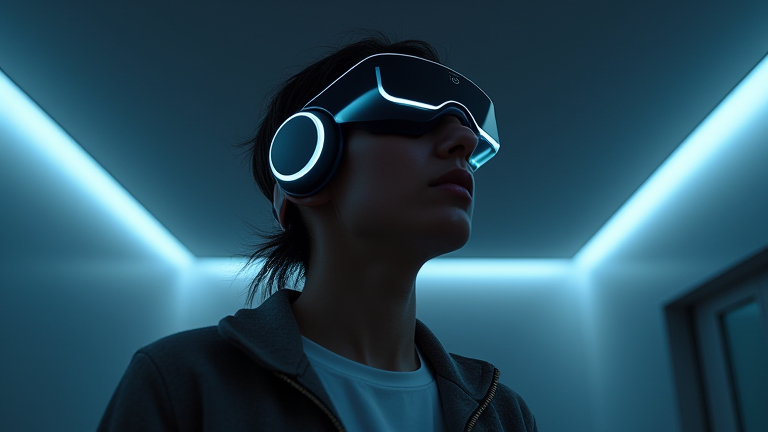
TL;DR: Neurotech headsets enhance sleep quality by using neural stimulation to regulate brainwave patterns, helping you fall asleep faster and stay in deeper sleep stages. These devices actively guide your brain into restorative states while monitoring your physiological data to optimize your nightly routine.
Understanding the Technology
Before diving into the setup process, it is crucial to understand what you are using. Modern neurotech headsets utilize Electroencephalography (EEG) to monitor your brain activity in real-time. Unlike traditional sleep trackers that only measure movement, these devices detect specific brainwaves associated with relaxation and deep sleep. By identifying when your mind is drifting toward wakefulness, the headset can intervene with gentle auditory or electrical stimuli to guide you back to a restful state. This proactive approach transforms passive tracking into active sleep optimization, ensuring that your body achieves the necessary restorative cycles it requires for health and recovery.

Step-by-Step Setup and Usage
Step 1: Charge and Connect
Begin by charging your headset fully overnight. Download the companion app on your smartphone and create an account. Pair the device via Bluetooth, ensuring your phone’s Bluetooth is enabled and the headset is in pairing mode. Follow the on-screen instructions to complete the initial firmware update, which is essential for accurate sensor calibration.
If you want to dig deeper, check out our guide on How to Write a SEO-Optimized Blog Post: Step-by-Step Tutoria.
Step 2: Proper Fitting
Adjust the headband so the sensors sit snugly against your forehead and temples. The fit should be secure but not tight enough to cause discomfort or leave marks. Poor contact between sensors and skin can lead to inaccurate readings, so ensure your forehead is clean and dry before placing the device. Most modern headsets come with adjustable straps or elastic bands to accommodate different head shapes comfortably.
Step 3: Calibrate Your Profile
Open the app and complete the initial calibration session. This usually involves a short period of rest with your eyes closed or open, as directed by the software. The app will learn your baseline brainwave patterns, allowing it to distinguish between wakefulness, light sleep, and deep sleep more accurately in subsequent nights.
Step 4: Engage the Sleep Mode
Lie down in bed and activate the “Sleep Mode” within the app. You can choose between different programs, such as “Fall Asleep,” “Deep Sleep,” or “Dream Enhancement.” The device will begin emitting gentle binaural beats or transcranial alternating current (tACS) to sync with your brain’s natural rhythms. Keep the volume low if using audio cues, ensuring they are soothing rather than distracting.
Step 5: Morning Review
Upon waking, remove the headset and check your sleep report in the app. Analyze your sleep stages, efficiency, and any disturbances. Use this data to adjust your bedtime routine or headset settings for the following night. Consistency is key; regular usage helps the device learn your patterns better over time, leading to improved results.
Essential Tips for Success
Maintain Hygiene: Clean the sensors regularly with a dry cloth or alcohol wipe to prevent buildup of oils and sweat, which can interfere with signal quality.
Establish a Routine: Use the headset at the same time each night to build a psychological association with sleep. This helps your body recognize it is time to wind down.
Limit Caffeine: Avoid caffeine at least six hours before bedtime. Neurotech works best when your brain is naturally predisposed to rest, so reducing stimulants enhances the device’s effectiveness.
FAQ
Q: Is it safe to use neurotech headsets every night?
A: Yes, most FDA-cleared neurotech headsets are designed for nightly use and are considered safe for long-term use
Leave a Reply