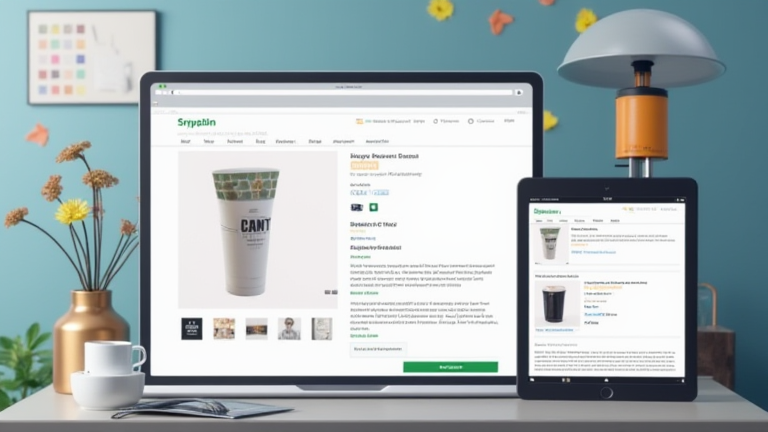
TL;DR: Shopify’s new AI feature generates optimized product descriptions by analyzing your brand’s tone and existing catalog data. You simply input basic product details or upload images, and the AI creates engaging, SEO-friendly copy in seconds.
Introduction to AI-Powered Descriptions
Creating compelling product descriptions is one of the most time-consuming aspects of running an online store. However, Shopify has recently integrated advanced AI capabilities to streamline this process. This tool leverages machine learning to understand your brand’s unique voice, ensuring that the generated content aligns with your marketing strategy. By using this feature, merchants can significantly reduce the time spent on content creation while maintaining high-quality standards. This guide will walk you through the exact steps to leverage this technology effectively, along with pro tips to ensure the best possible results for your store’s conversion rates.
If you want to dig deeper, check out our guide on 1960s Oster Progienic Review: Still Running After 60 Years.
Step 1: Accessing the AI Tool
To begin, log in to your Shopify admin dashboard. Navigate to the “Products” section on the left-hand sidebar and select the specific product you wish to edit. Alternatively, if you are creating a new product, start by clicking the “Add product” button. Once you are in the product editing interface, scroll down to the “Description” field. You will see a small sparkle icon or a button labeled “Generate with AI” next to the text box. Clicking this button opens the AI generation interface, where you can input the necessary prompts and parameters for your content.
Step 2: Providing Context and Prompts
The quality of the AI output depends heavily on the context you provide. In the prompt window, enter key details about the product that are not already in the title. For example, mention unique materials, specific use cases, or key selling points. If your product has images uploaded, the AI can analyze these to suggest relevant descriptive language. It is crucial to specify the desired tone here. Options usually include “Professional,” “Casual,” “Luxury,” or “Playful.” Selecting the tone that matches your brand identity is essential for consistency across your storefront. Be specific; instead of just saying “good quality,” specify “hand-stitched leather” or “sustainably sourced cotton.”
Step 3: Generating and Refining Content
Once you have entered your details and selected the tone, click the “Generate” button. The AI will process the information and produce a draft description. Review the generated text carefully. While the AI is powerful, it may occasionally miss nuances or include generic phrasing that does not fit your specific niche. You should always edit the output to ensure accuracy. Add specific dimensions, care instructions, or unique benefits that the AI might not have inferred. This human touch is vital for building trust with your customers. Do not publish the AI-generated text verbatim without a thorough review.
Tips for Best Results
Here are some expert tips to maximize the effectiveness of Shopify’s AI tool. First, maintain a consistent brand voice by saving successful prompts or styles for future use. Second, use the AI for brainstorming rather than final output. It is excellent for overcoming writer’s block or generating multiple variations to A/B test. Third, always check for SEO keywords. While the AI creates engaging copy, you may need to manually insert specific long-tail keywords that are critical for your search strategy. Finally, keep the description concise. Mobile users prefer scannable content, so use short paragraphs and bullet points for key features. Regularly update your product descriptions as your inventory changes to keep the content fresh and relevant.
FAQ
Q: Does Shopify’s AI tool cost extra?
A: No, the basic AI description generation feature is included in all Shopify plans, including the Basic plan, at no additional cost.
Q: Can I use AI-generated descriptions for all products?
A: Yes, you can, but it is recommended to use it as a starting point and always edit the content to ensure brand consistency and accuracy.
Q: How accurate is the AI at understanding my brand tone
Leave a Reply